

Reference

tk44 App: Your Lobby on Any Device

The tk44 app experience runs through your mobile browser — live tables, crash games and sports categories load without a separate download, wherever you have a data connection in supported Bangladesh regions.

mobile browser accessdevice compatibility checkaccount wallet on the goavailability by region
tk44 tk44 App: Your Lobby on Any Device
tk44 What the tk44 App Puts in Your Hands

What the tk44 App Puts in Your Hands

Open the tk44 lobby on your phone and you get the same live tables, slot rooms and cricket sportsbook you'd find on desktop — condensed into a layout built for a smaller screen. Quick-deposit shortcuts let you send from bKash or Nagad without leaving the session. Push notifications flag when your favourite table has an open seat or when a new round

of Crash Skyward is about to run. Fingerprint login cuts the password step on supported Android devices. The betslip stays pinned at the bottom so you can manage a cricket market while browsing slots in the same session — no switching tabs, no losing your place.
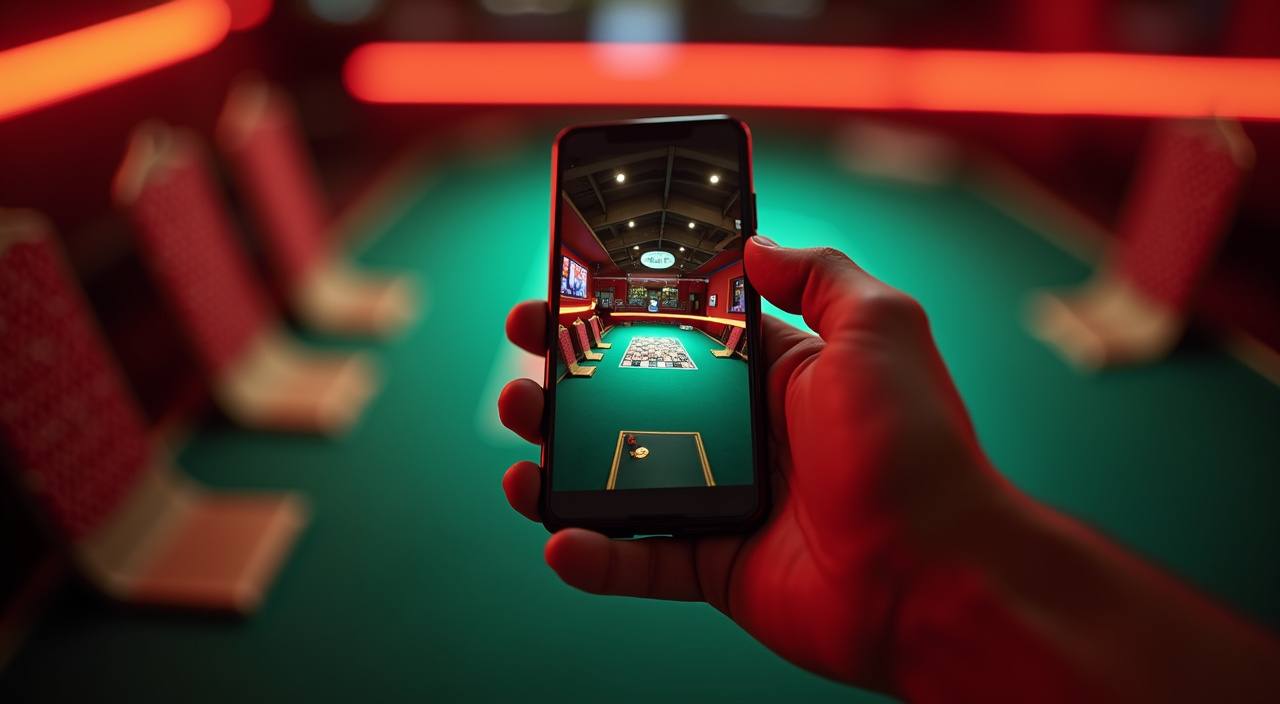
What Devices and Browsers Work

Before you commit to a live-table session on your phone, a quick compatibility check saves you the frustration of a dropped stream mid-round. The points below cover the main things to confirm on your handset.

Browser versionChrome 100 and above or Safari on current iOS handles all lobby features. If live streams stutter, updating your browser is the first fix to try before anything else.
Screen layoutThe lobby is built for portrait mode on phones. Landscape works for crash games like Crash Skyward but live-table controls are easier to reach in portrait orientation.
Account requirementsMobile access needs an active, verified tk44 account. Wallet features — including bKash and Nagad shortcuts — only appear after your account identity step is complete.
Supported devicesMost Android and iOS handsets released in the last three years handle the full lobby without issue. For older devices, check the compatibility note inside your Account Settings page.
Regional availabilityAccess and feature availability depend on your local law and eligible region. Some lobby sections may not load in areas where the platform does not currently operate.
tk44 Mobile Access in 3 Steps

Mobile Access in 3 Steps

No app store required to get into the lobby. The browser-based route works on most current Android and iOS handsets and takes under a minute from start to first game load. If a native app build becomes available for your region, the download link will appear inside your account dashboard — check there first rather than searching third-party sources. Follow these steps

to get moving now.

  • Open the current site — Type tk44 into your mobile browser address bar or tap a saved bookmark. Chrome and Safari both handle the layout well on current handsets.
  • Check browser compatibility — If the lobby does not load fully, make sure your browser is updated to its current version. Older browser builds can block the live-table stream or the crash-game canvas.
  • Sign in securely — Enter your credentials or use fingerprint login if your device supports it. Complete any OTP verification sent to your registered number before the session opens.
  • Verify app availability — Head to Account Settings and look for the App section. Any verified native build for your device and region will be listed there with the correct download path.
CORE APP CAPABILITIES

App Features Worth Knowing About

These are the specific functions that make the mobile version of tk44 different from just shrinking the desktop page down. Each one is designed around how you actually move through the lobby on your phone.

Fingerprint Login On compatible Android devices, biometric login replaces your password at the door. Tap once and you land straight in the lobby without typing credentials each session.
Push Notifications Opt in to alerts for live table openings and Crash Skyward round starts. Notifications land on your lock screen so you never miss a session window you were waiting for.
Dark Mode Display The interface switches to dark mode automatically based on your phone's system setting. Easier on the eyes during late-night Baccarat Insider sessions or long cricket match runs.
Offline Lobby Preview Lose signal for a moment and the lobby renders the last-loaded game list so you can decide where to go next before your connection restores — no blank screen.

Common Questions About the tk44 App

If something about the mobile experience is not working the way you expected, the answers below cover the questions we hear most from people in Bangladesh setting up access for the first time.

A native app build may or may not be available depending on your region. Check the App section inside your tk44 Account Settings for any verified download link rather than searching app stores directly.

Yes. When your account is verified, bKash and Nagad deposit shortcuts appear in the wallet section of the mobile lobby. Tap the option, enter the amount, and confirm in your payment app.

An outdated browser is the most common cause. Update Chrome or Safari to the current version, then reload. A weak data connection can also interrupt Evolution and Pragmatic Play live streams.

Biometric login works on Android devices that have a fingerprint sensor enabled at the system level. If you do not see the option at login, check that your device has fingerprint set up in phone settings.

Push notifications for round starts are available once you opt in from the notification settings inside the app. You can choose which game alerts you receive and turn them off at any time.

First, confirm your account is fully verified. Second, check regional availability — some lobby sections only show in eligible areas. If both are fine, clear your browser cache and reload the page.
Reference

tk44 App

Service availability depends on eligible regions and local law. Users should check local rules before opening an account.

Access may be available only where local law permits.